On this page · 5 sections
- Live price, "from" price and quote-only are three tools, chosen per product.
- Live prices lower request volume but raise the share of serious requests.
- A "from" price sets expectations while leaving room for site-specific factors.
- Basic, Comfort and Premium options anchor the conversation on value, not the lowest number.
You can show prices without drawing a flood of price-shoppers, as long as you choose live price, “from” price or quote-only per product rather than as one policy for the whole site. Publish a number and you fear tyre-kickers; hide it and you lose buyers who won’t ask for a quote on a complete unknown. This guide covers when each pricing mode works, what it does to lead volume and lead quality, and how quote options keep the talk on value.
The three modes
Live price
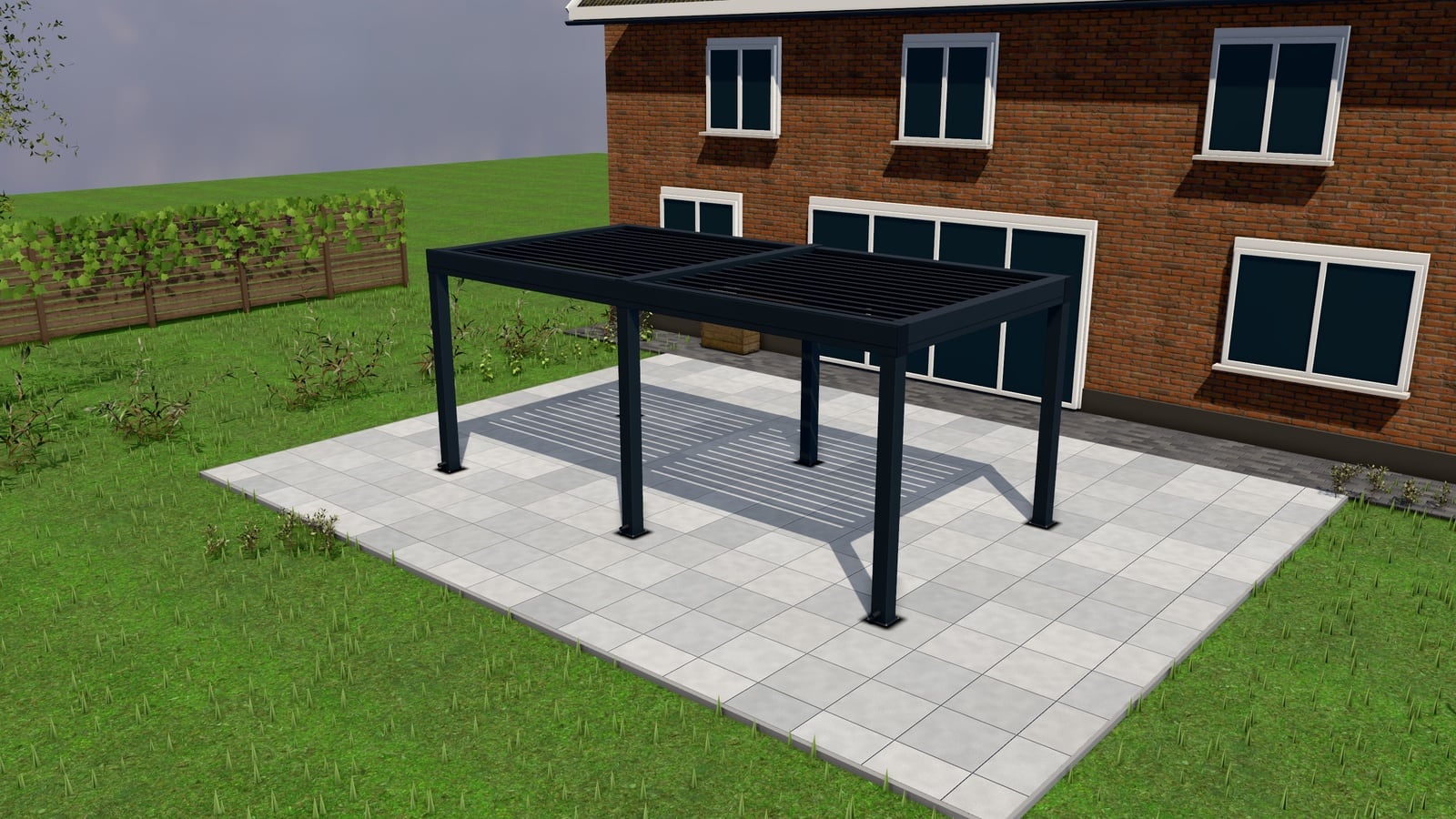
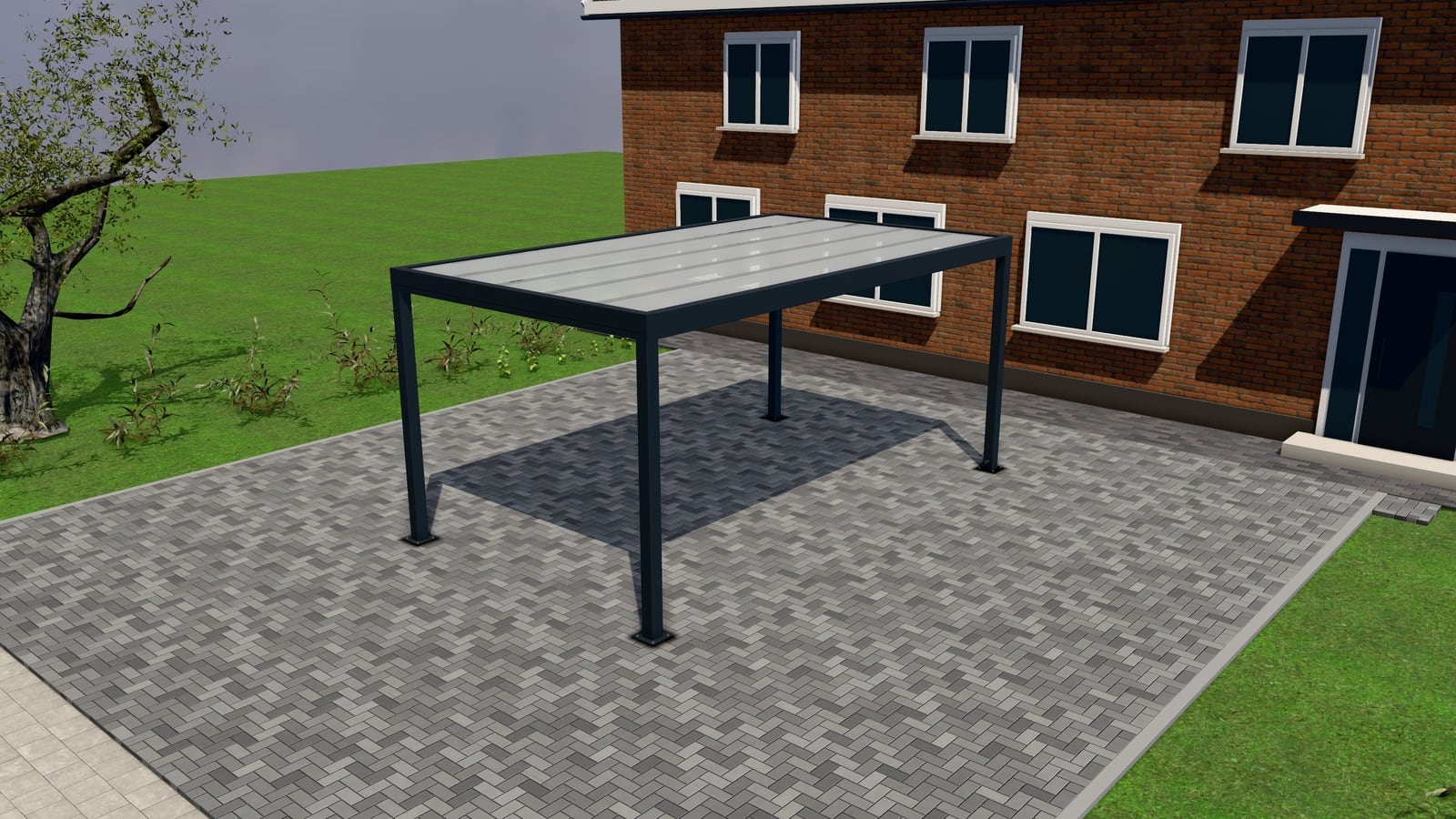
The configurator calculates an exact price as the customer adjusts size and options, the same price that ends up on the quote. This suits products where your pricing is genuinely formulaic (a standard aluminium pergola range, a carport in common widths) because there’s no information asymmetry between what you’d quote by hand and what the tool shows. Live pricing filters hardest: customers outside your budget range leave before submitting a request, which lowers total volume but raises the fraction of requests that convert.
“From” price
The configurator shows a starting price for the base configuration and updates it as options are added, without necessarily reflecting every possible combination precisely. This sets realistic expectations, a customer configuring a premium bioclimatic pergola with glass sides knows it won’t cost the same as the base louvred frame, while leaving room for the final quote to account for site-specific factors (a tricky terrace, delivery distance, a non-standard width). It’s the middle ground most installers land on for mid-complexity products.
Quote-only
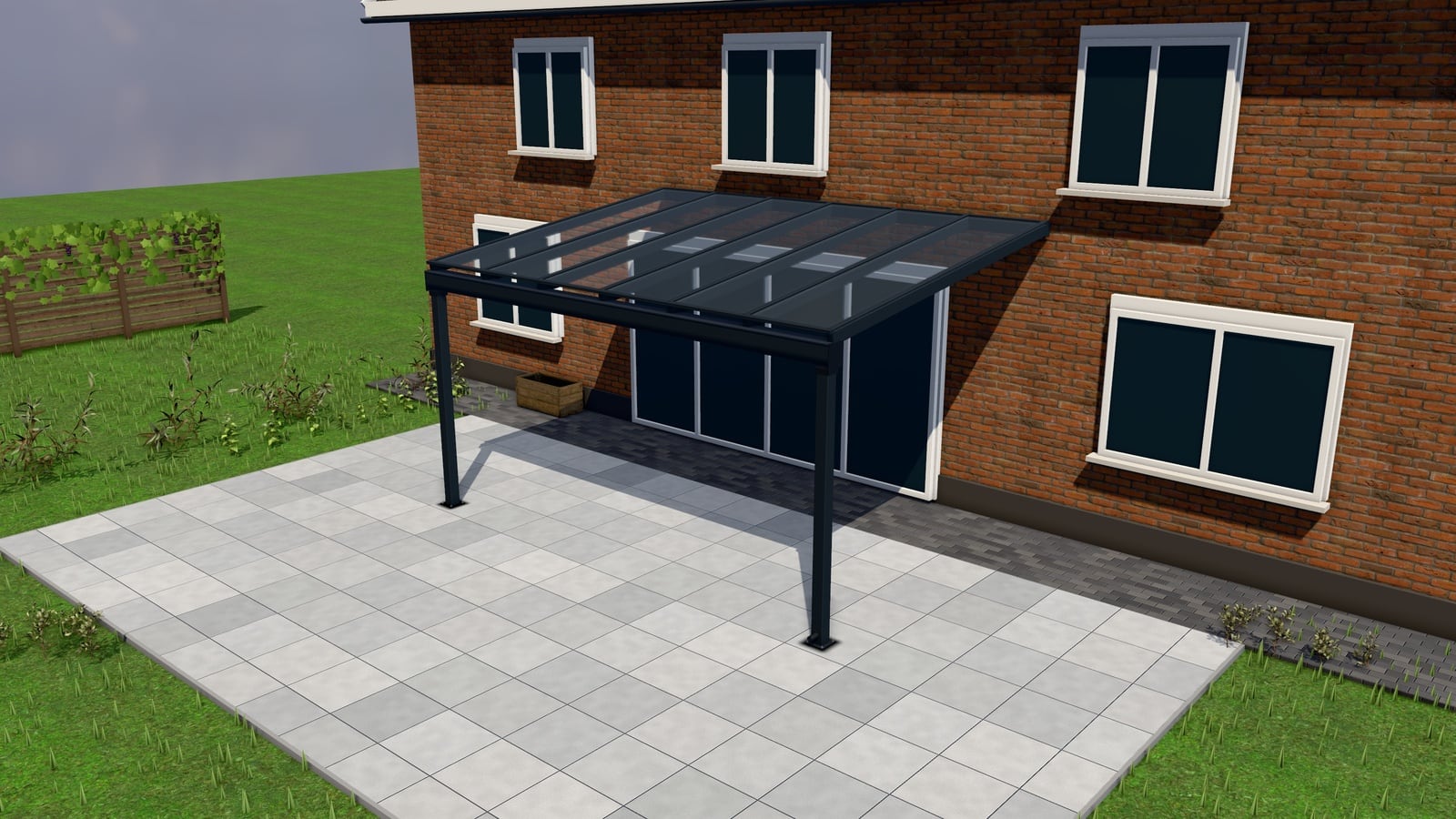
No price is shown; the customer configures and requests, and the price arrives in the quote. This suits genuinely bespoke work. A veranda integrating with an existing structure, anything where a number without a site visit would mislead more than help. The trade-off is volume: some customers won’t request a quote without any price indication at all, so this mode works best when your brand, photos and configurator quality carry enough trust to get the request anyway.
Summary: when each mode works
| Mode | Best for | Effect on lead volume | Effect on lead quality |
|---|---|---|---|
| Live price | Standardised products, common sizes | Lower volume, filters by budget | Higher: requests are pre-qualified on price |
| “From” price | Mid-complexity, several option tiers | Moderate | Moderate: sets expectations, still needs a real quote |
| Quote-only | Bespoke, site-dependent work | Lowest without strong trust signals | Depends entirely on brand trust and form quality |
Options as anchoring, not just upsell
However you price the base product, presenting the quote itself as Basic / Comfort / Premium options changes the conversation from “is this too expensive” to “which one fits us.” A customer comparing three fully-priced tiers of their own configuration is anchored by the spread between them, not by a single number they can only accept or reject. This also surfaces upgrades (a better roof option, added screens) that a single-price quote would never prompt the customer to consider. It’s one of the reasons quotes with options tend to close faster than single-figure quotes. See from Excel to a ten-minute quote for how this plays out in practice.
What happens to lead quality
The honest trade-off: showing any price at all reduces the raw number of form submissions, because some visitors self-select out before requesting a quote. What it changes in exchange is the ratio of serious requests to idle ones. A visitor who configures a pergola, sees a from-price of several thousand euros, and still submits the request has already cleared the first qualification hurdle a phone-based sales process would otherwise spend a call establishing. Quote-only products don’t get this filter at the price stage, so the filtering has to happen elsewhere. In the request form (see site photos and measuring visits) or in how fast you follow up (see the 24-hour rule).
Choosing per product, not per store
Most installers run a mix across their catalogue: live pricing on their standard carport range, “from” pricing on mid-tier pergolas, quote-only on bespoke verandas that need a visit regardless. This is a per-product setting, not a store-wide policy decision, which means you can test a mode on one product without touching the rest of your catalogue. For the mechanics of setting this per product and building the quote that follows, see quotes; for how this fits products specifically like pergolas, see pergolas. See also how to sell pergolas, verandas and carports online, or see pricing.