On this page · 13 sections
- Made-to-measure structures sell through a quote funnel, not a cart.
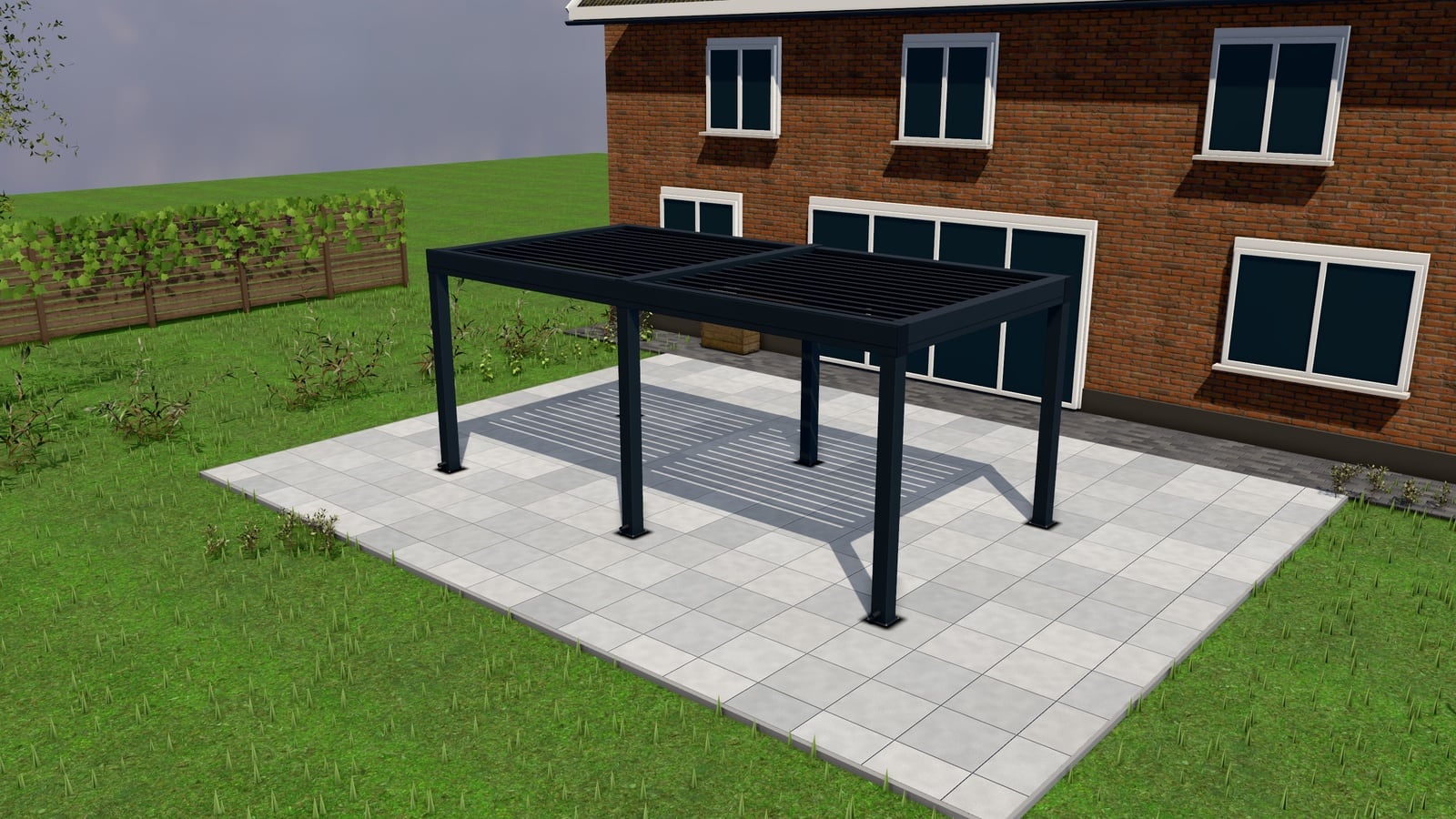
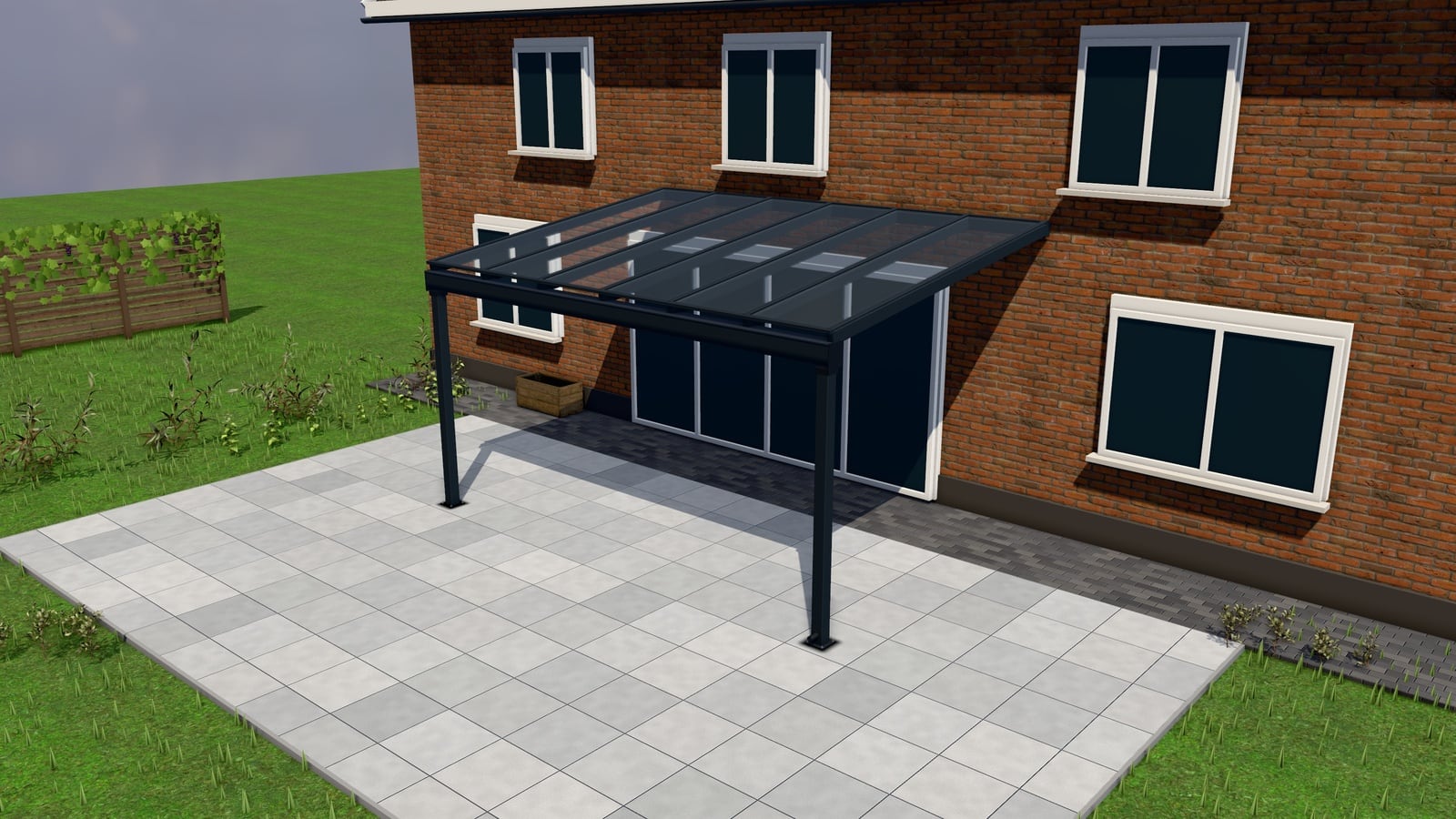
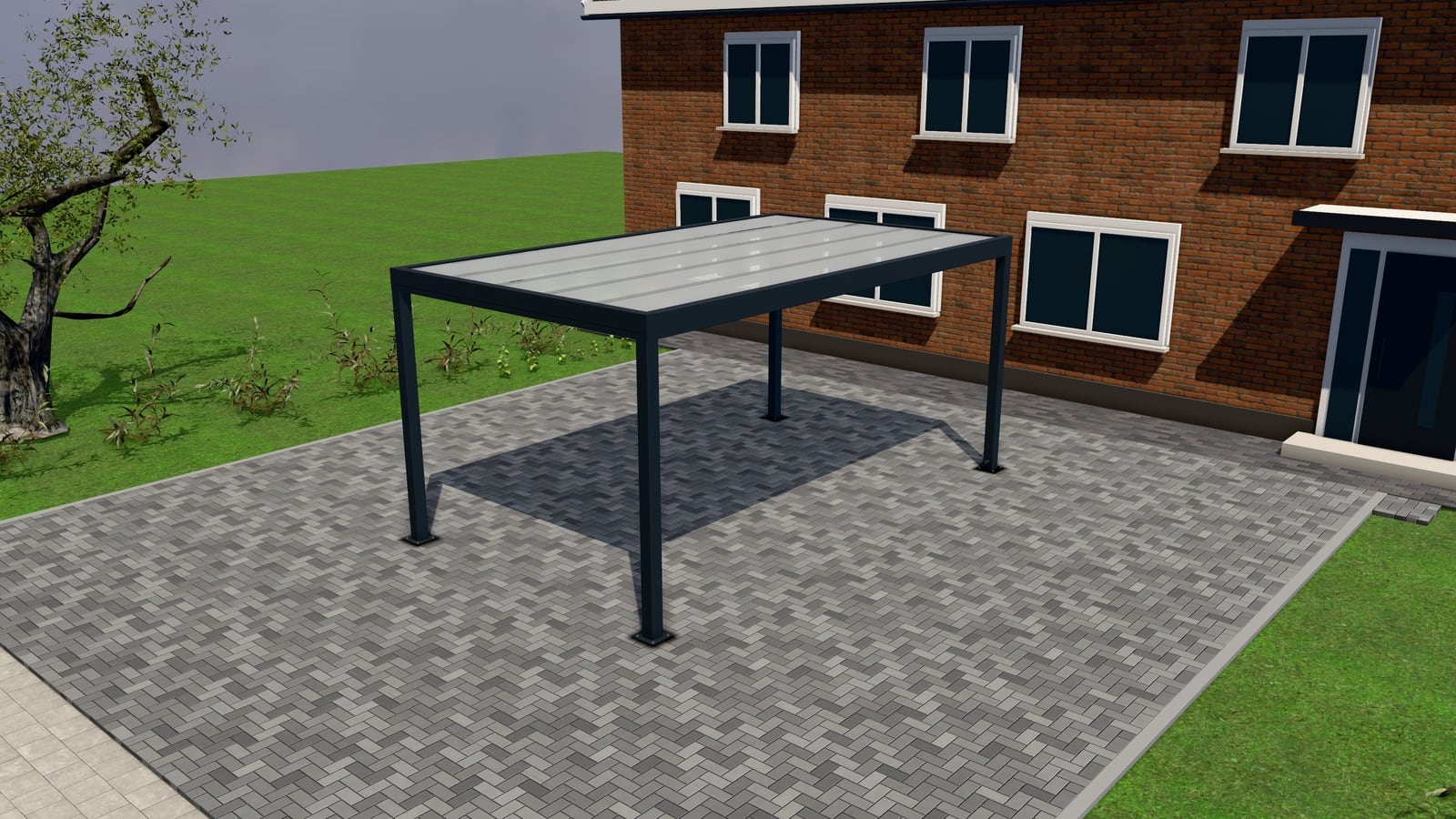
- A 3D configurator replaces the "what would this cost" phone call.
- Send a real, specific quote within 24 hours of the request.
- Choose live, "from" or quote-only pricing per product.
- Automatic follow-ups recover requests that would otherwise go silent.
A pergola, veranda or carport is not a product you add to a cart. It is made to measure: a width, a projection, a roof type, a RAL colour, options that interact with each other and with the customer’s terrace. Selling it online means replacing the phone call where a sales rep asks ten questions with a tool the customer uses themselves, and then handling what happens after they hit send. This guide is the playbook: the funnel, the numbers, and the decisions that separate a company that turns web traffic into signed jobs from one that collects “please call me back” forms nobody chases.
Why this isn’t ecommerce
Standard ecommerce assumes a fixed SKU, a known price, instant payment and instant fulfilment. None of that holds here. The product changes shape with every parameter (width, sides, roof pitch), the price depends on options that interact (a louvred roof needs stronger posts; glass sliding walls change the frame), and nobody pays before a site visit confirms the terrace is buildable. So the “add to cart” step is replaced by a quote request: the customer configures, sees a price (or a “from” price, or nothing, depending on your pricing strategy), and submits a request with their configuration attached. From there, a human takes over, but a human armed with the exact specification, not a blank phone call.
The funnel, step by step
| Step | What happens | What to do |
|---|---|---|
| 1. Ad / search click | Customer searches “pergola bioclimatique prix” or clicks a Google/Meta ad for your pergola page | Land them on a page with the configurator above the fold, not a brochure PDF |
| 2. Configurator | Customer sets size, roof, colour, sides, lighting in 3D | Pre-select sensible defaults (a common width, your best-selling roof) so they see a finished design in one click |
| 3. Price shown | Live price, “from” price, or none | Pick per product (see the pricing section below) |
| 4. Request | Customer submits name, email, phone, optionally terrace photos and a measuring-visit slot | Keep the form short; make photos and visit booking optional, not required |
| 5. Quote | You turn the request into a numbered quote, often with Basic / Comfort / Premium options | Send within 24 hours, see the rule below |
| 6. Follow-up | Automatic nudges if the quote sits unanswered or unopened | Three triggers: unanswered request, opened-not-signed, expiring quote |
| 7. Signature | Customer accepts online, signs, pays a deposit | Keep the acceptance page in your own branding, not a generic PDF attachment |
| 8. Measuring visit | A technician confirms exact dimensions on site | Book this as part of the request form when it’s needed before you can quote firm |
| 9. Production | BOM, cut list, work order generated from the same configuration | No re-keying: the quote’s parameters become the production sheet |
Every step either gets a customer closer to a signed job or loses them to a competitor who answered faster. The rest of this guide goes through the steps that make or break the funnel.
The 24-hour rule
The company that sends a real quote (with the customer’s actual dimensions and a real price, not a vague range) within 24 hours of the request wins most made-to-measure jobs. Customers configuring a pergola or veranda are usually comparing two or three companies at once; the first clear, specific quote sets the anchor the others get compared against, and a same-day reply signals a company that will show up on schedule, not one juggling a backlog. The practical mechanics of hitting this window (configurator-prefilled line items, quote templates, offering options instead of re-opening the same quote three times) are covered in the 24-hour rule guide. When you genuinely can’t quote within a day (a visit is needed first), send an acknowledgement and a visit slot instead of silence. Detail in the same article.
Showing prices without attracting price-shoppers
The fear every installer has: publish a price and you get flooded with tyre-kickers comparing numbers; hide it and you lose customers who won’t request a quote for an unknown figure. The fix is a per-product choice, not an all-or-nothing policy. Live price for a commodity size range, a “from” price to set expectations while protecting margin on bigger configurations, quote-only for anything bespoke enough that a number without a site visit would mislead. Showing prices without attracting price-shoppers covers when each mode earns its keep, and how presenting Basic / Comfort / Premium options anchors the conversation around value instead of the lowest number.
Designing the request form
The request form is the handoff between “customer playing with a 3D model” and “your sales pipeline.” Every field you add past name, email and phone costs you completions; every field you skip costs your quoter time later. Two additions pay for themselves on structures like these: terrace photos (a handful of phone photos tell a quoter more about access, existing structures and surfaces than any text field) and a measuring-visit slot booked directly in the form when your process requires one before a firm quote. Both should be optional, not required. The form-design article goes through why photos change the first quote’s accuracy, how slot booking cuts the phone-tag of scheduling a visit, and how customer-submitted images get checked and stripped of EXIF/location data before they ever touch your server.
The quote itself: options, not just a number
A single-price quote invites a single yes/no decision, and “no” is easy. A quote with Basic / Comfort / Premium options turns the decision into “which one,” and gives the customer room to trade features for budget without starting over. Numbered, PDF, with an online acceptance page the customer can open on their phone and sign. From Excel to a ten-minute quote breaks down where the hours go in a hand-built quote and what a configurator request removes versus what still needs a human judgment call.
Follow-ups: the sequence that actually closes deals
Most lost jobs aren’t lost to a competitor’s better price, they’re lost to silence. A request that sits unanswered for three days has usually been quoted by someone else already; a quote the customer opened but never signed usually means a question went unasked. Three automatic triggers catch this without a salesperson having to remember: an unanswered request becomes a task and alerts staff, an opened-but-unsigned quote gets a reminder, and a quote nearing its expiry gets a nudge before it lapses. Follow-up sequences that close quotes has the timing and wording.
Tracking: judge the funnel on quotes won, not form fills
A configurator request is the real conversion event for ad platforms. Not a page view, not a “contact us” click. Sending Google, Meta and TikTok the request (with its value and the click id that brought the visitor) lets their algorithms optimise toward people who actually request quotes, and lets you judge campaigns on won quotes rather than vanity form-fill counts. Google Ads for quote requests covers the mechanics: gclid/fbclid/ttclid capture, sending value, and reading results past the vanity metric.
WhatsApp: the channel your customers already use
In the Netherlands, Germany, Belgium and France, trade customers often prefer WhatsApp to a contact form. It’s faster, it feels like talking to a person, and photos attach with one tap. A floating WhatsApp button plus an “ask about this design” link that carries the customer’s exact configuration turns a casual question into a qualified, specific conversation your team can answer fast. WhatsApp for installers covers response-time expectations and how to keep WhatsApp conversations inside your pipeline instead of lost in a personal phone.
Seasonality: the spring peak
Pergola, veranda and carport demand is sharply seasonal: requests climb from February, peak through April–June as customers plan for summer use of the terrace, and taper by late summer. Capacity (quoting speed, installer availability, measuring-visit slots) is the constraint in spring, not demand. The practical implication: tighten your 24-hour response discipline and your measuring-visit calendar before the peak, not during it, and expect follow-up sequences to matter even more when your team is stretched thin.
Measuring visits: when you need one, make it easy to book
Some jobs can be quoted firm from the configurator alone; others (an uneven terrace, an existing structure to work around, a tricky access route) need a technician on site before you commit to a price. When that’s your process, booking the visit should happen in the same form as the quote request, against your actual calendar, not as a follow-up phone call days later. This keeps the 24-hour rule intact even for jobs that need a visit: you send an acknowledgement and a confirmed slot within the day, and the firm quote follows the visit.
Reviews: closing the loop after installation
A signed quote isn’t the end of the funnel. A published review after a successful installation feeds the next one. Automating a review request a few weeks after installation, with photos flowing into a project gallery, builds the social proof that shortens the next customer’s decision. It’s a small addition, but it compounds: every finished job becomes marketing for the next.
Putting it together
None of these pieces (configurator, pricing strategy, request form, quote options, follow-ups, tracking, WhatsApp) work in isolation. The business case is that each one removes a point where a customer falls out of the funnel or a competitor beats you to the reply. For the specific products: see pergolas, verandas and carports. For the mechanics behind quoting and follow-ups: quotes and follow-ups. Or book a 30-minute walkthrough to see it running on your own products.
nextconfiguratorNext Configurator is one plan: €499 a month or €4,999 a year, every feature included, 14-day free trial, no setup fee. See pricing.