An awning configurator that sells the motor for you
Put an awning configurator on your website and buyers design their own awning in 3D, with your prices on every click. You get the request with width, projection, cassette, fabric and motor filled in.
Every option your awnings have, in 3D, step by step
Our Folding-arm awning template ships with 15 options and 15 choices.
How awnings are usually priced, and how to set it up
Set these rules once. Every configuration your buyers make is priced the way you would do it by hand.
- Base price from a width × projection table per model (open, semi, full cassette), as your supplier’s price list does.
- Limit projection by width: wide awnings need long arms, narrow ones cannot carry them. Buyers only see what you can build.
- Fabric collections as price groups: plain and standard colours in the base, premium collections and stripes as a surcharge.
- Motor as a line of its own, with a step up for wall switch or app control.
- Wind/sun sensor, LED and heater only appear once a motor is chosen, each at a fixed price.
- Installation by width band, with a surcharge above a mounting height you set.
Start from a model that already knows your product
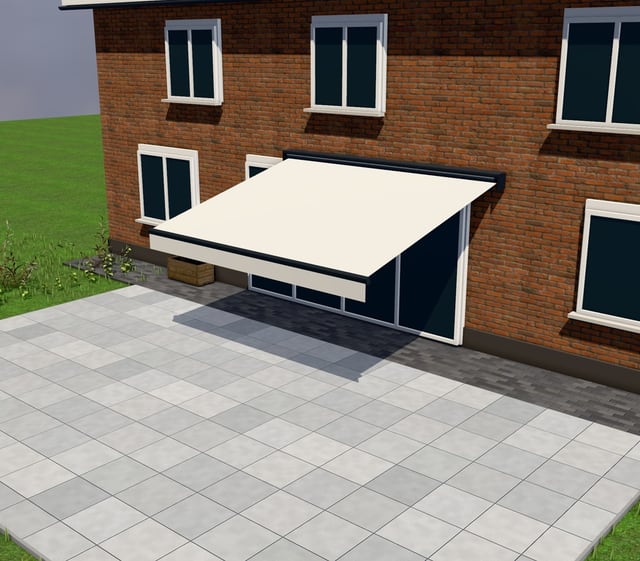
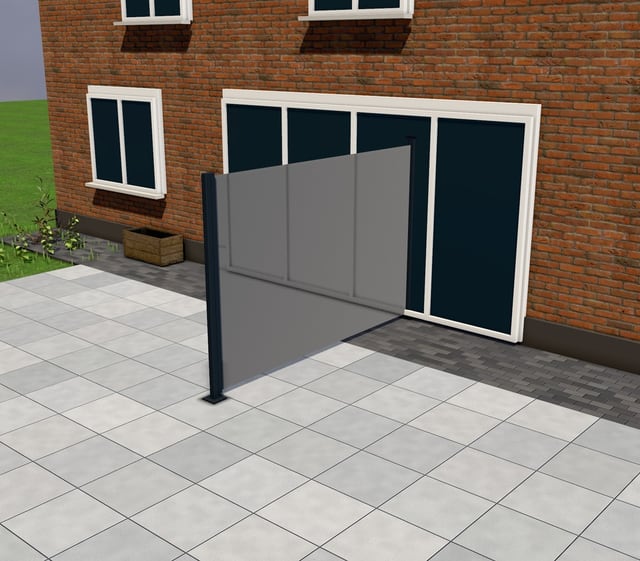
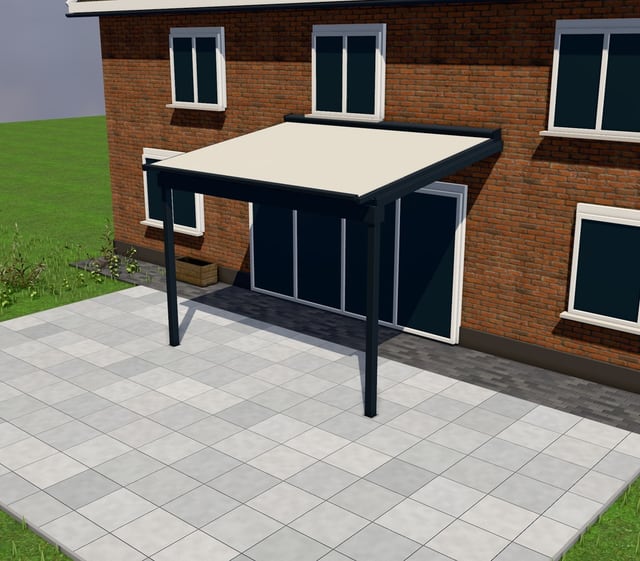
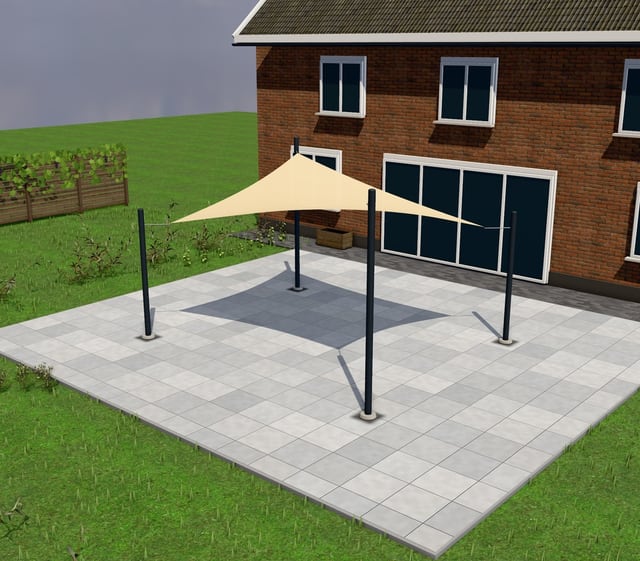
Why a contact form loses awning buyers
An awning looks like a small purchase, but the questions are the same as for a veranda: width, projection, cassette, fabric, motor, sensor. A contact form gets “price for an awning about 4 metres” and you spend days getting the rest by phone. In that time the buyer has ordered from the shop that showed a price straight away.
A configurator turns that into one request with every choice made, and it shows the price as the buyer builds. Our guide on showing prices without attracting price shoppers explains how to choose between live, “from” and quote-only prices.
How to set up your awning configurator
Ask in the order buyers think: model first, then size, then fabric, then operation and comfort. Load only the fabric collections and frame colours you stock. Keep wall construction and mounting brackets out of the configurator; that is for your measuring visit, which the buyer can book in the same request, with a photo of the wall if you ask for one.
Selling tip: show the motor in the base picture
Start the configurator with a motor and wind sensor selected. The buyer sees the comfort version and its price first and can step down to a crank. Shown as a clear, separately priced option, the motor and sensor become the normal choice instead of an extra the buyer has to ask about. Full cassette over open arms works the same way: it is a visible upgrade in 3D, not a line on a spec sheet.
Where the configurator goes
Paste one line on WordPress, Webflow, Shopify or Wix, or run the storefront on your own domain. Every request fires a Google, Meta or TikTok conversion with its value, so your spring campaigns learn which clicks bring real awning buyers. See embeds, or book a 30-minute walkthrough.
The questions your awning buyers have
- How far out can a 5 m wide awning go?
- What is the difference between an open awning and a full cassette?
- What does striped fabric look like against my house?
- How much does a motor with a wind sensor add?
Mistakes sellers make putting awnings online
- A price per metre of width that ignores projection, so every quote moves the number.
- Letting buyers pick a projection the arms cannot carry at that width.
- Hiding the motor and wind sensor until the quote, where they look like extra costs.
- Showing a fabric book of 200 swatches instead of the collections you actually stock.
What you get
- The request with every parameter, the 3D screenshot and the price breakdown in your pipeline.
- A numbered quote in two clicks, with Basic/Comfort/Premium options, PDF and e-signature.
- Follow-ups that run themselves: unanswered requests become tasks, unsigned quotes get a reminder.
- A production sheet with model, arm length, fabric and motor exactly as the buyer chose them.

Questions, answered
Still deciding? We'll walk you through it with your own product.
Book a walkthroughCan customers choose between an open awning and a full cassette?
Yes. Open, semi-cassette and full cassette are the first choice on our awning model, each with its own price and its own look in 3D, so the buyer sees what they pay extra for.
How does projection work alongside width?
Projection is a range that depends on width, matching the arm lengths you stock. The configurator does not let a buyer pick a projection your arms cannot carry at that width.
Can I sell a wind sensor as an add-on rather than bundling it?
Yes. Motor and wind/sun sensor are separate priced options, shown together so the buyer can add one, both or neither.
Does the configurator handle different fabric collections?
Yes. Fabric colour, plain or striped, is a choice you fill with your own collections and prices; group them as standard and premium if that is how your supplier prices them.
How fast can I get an awning configurator live?
Build your configurator from our template in about 3 minutes, look at the templates and the demo, or book a free walkthrough. Most of the setup time goes into fabric names and motor prices, not the 3D model. See pricing: one plan, €499 a month, 14-day free trial.
Related configurators
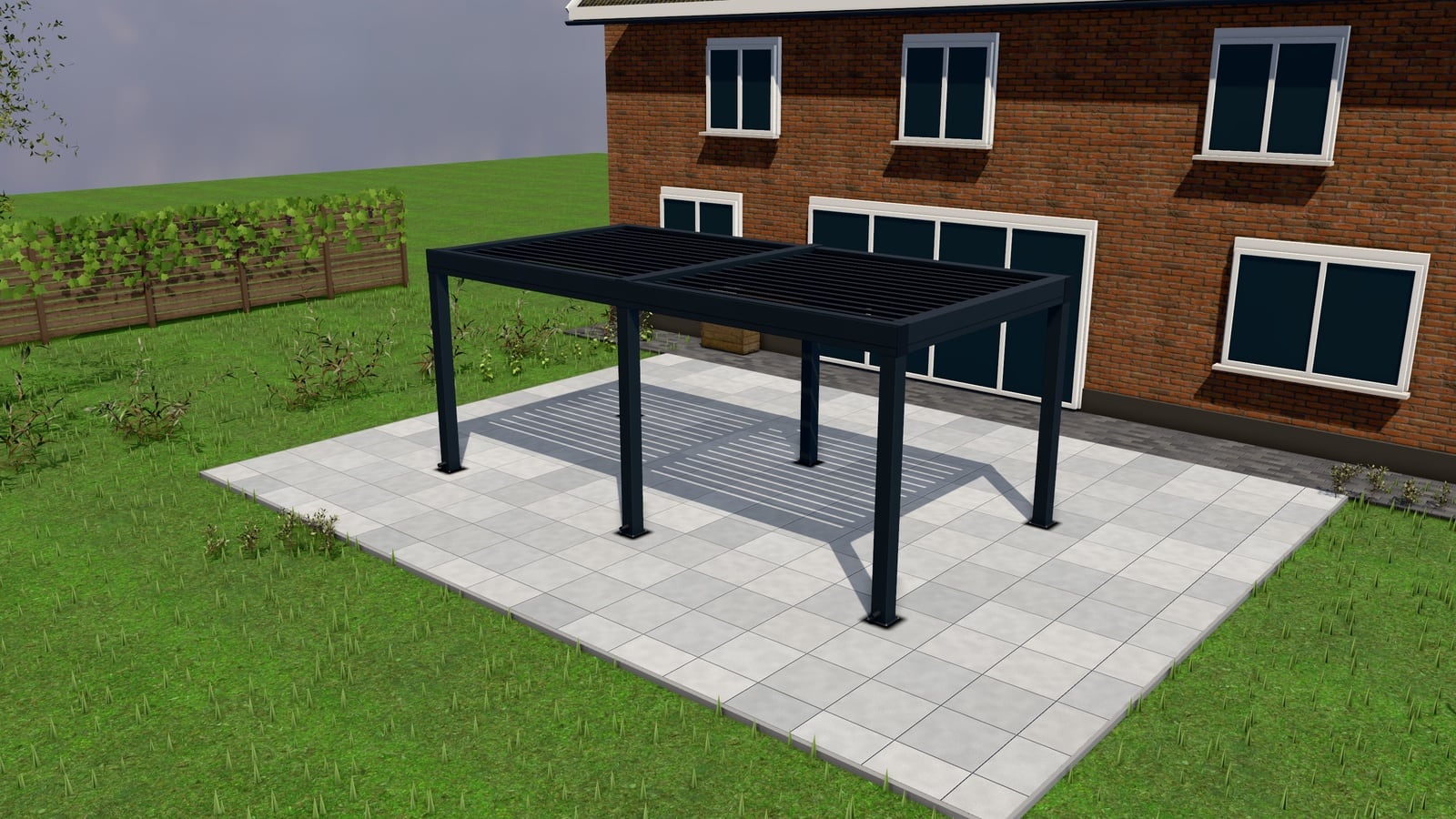 19 models
PergolasManufacturers, Installers, Garden centres
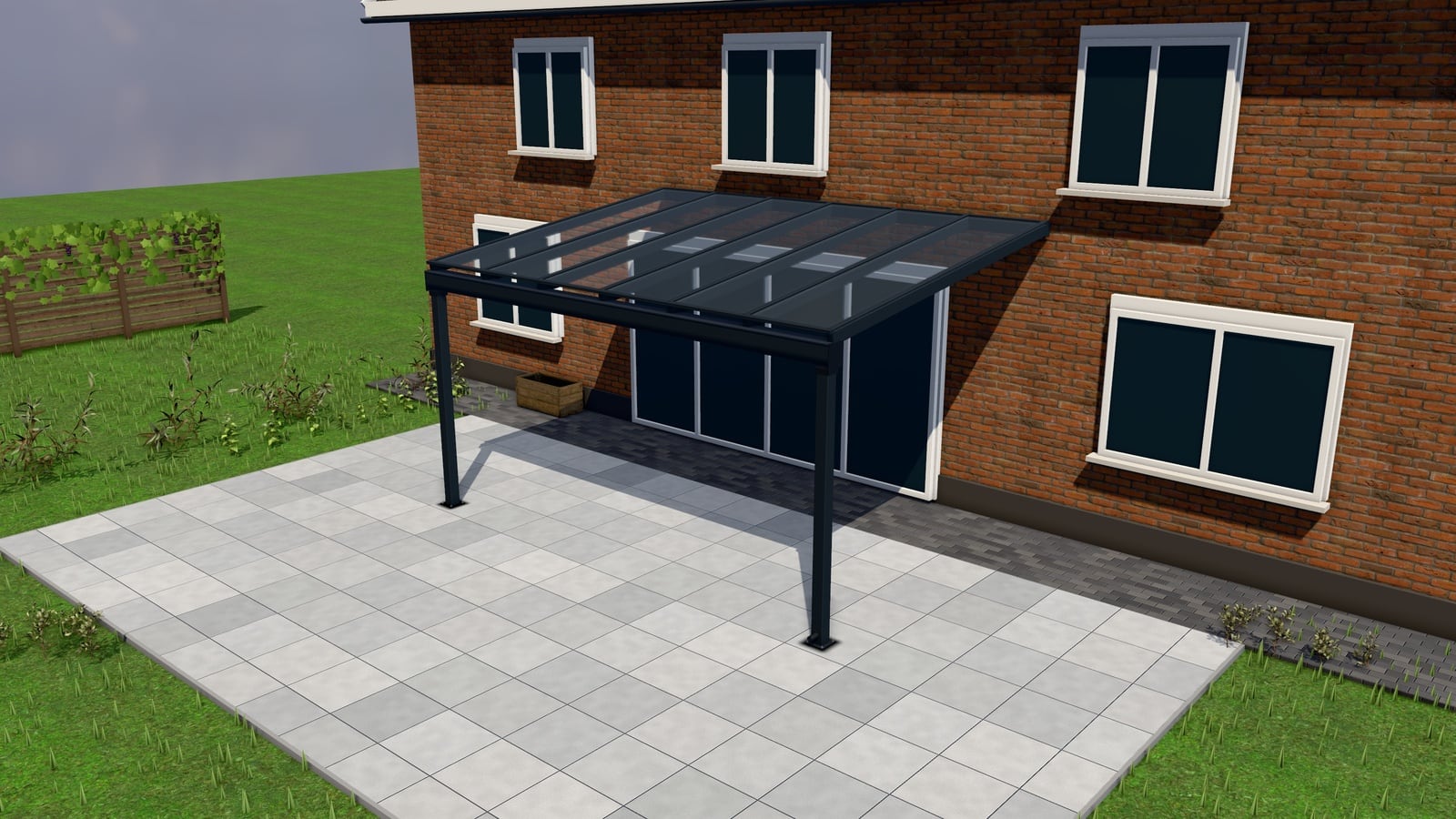 16 models
VerandasManufacturers, Installers, Showrooms
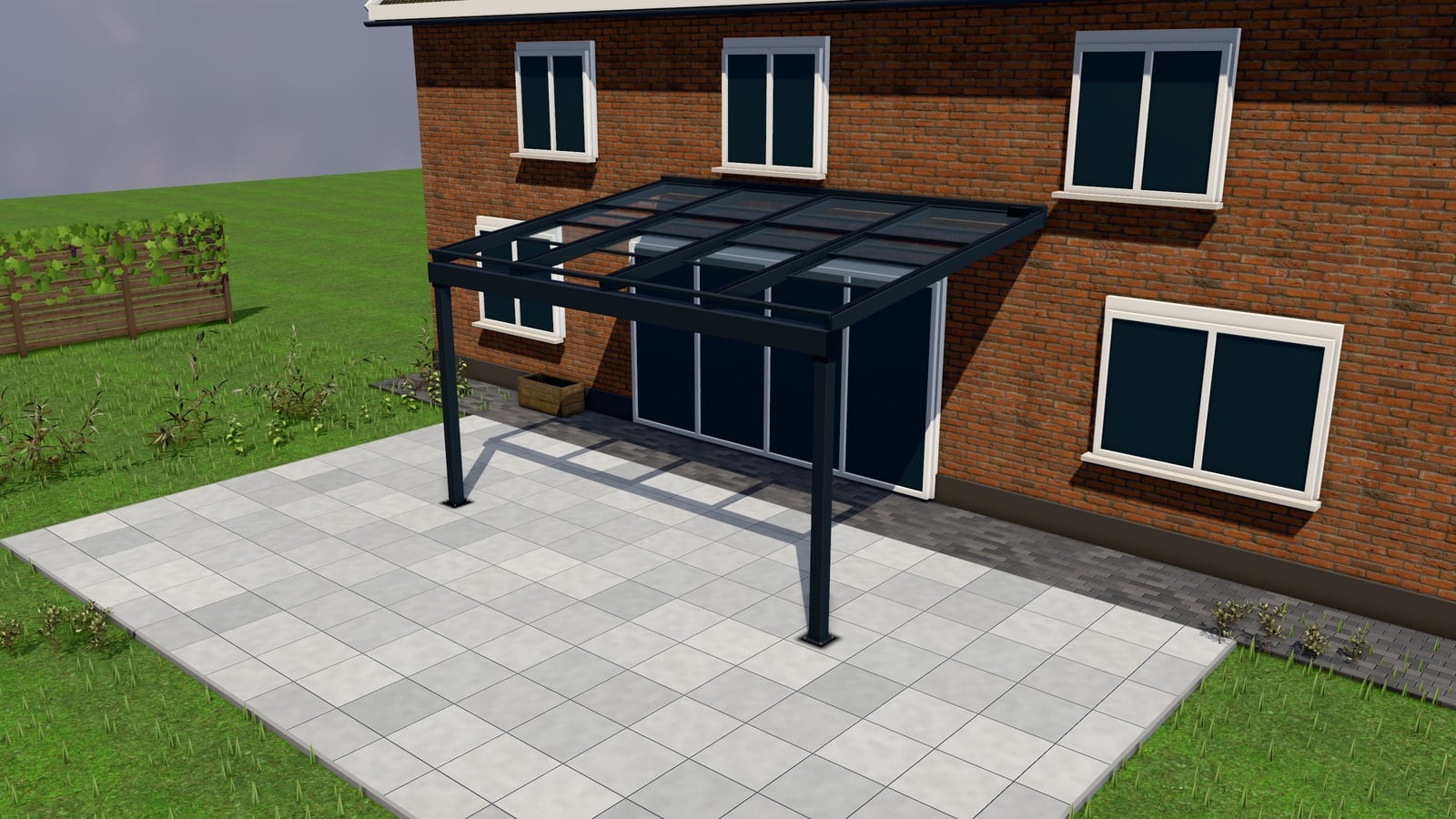 6 models
Terrace CoversInstallers, Manufacturers, Veranda specialists
Read next
Show prices without attracting price-shoppers
Live price, "from" price or quote-only. How to pick per product for pergolas, verandas and carports, and how Basic/Comfort/Premium options protect lead quality.
Read moreFollow-up sequences that close quotes
The three automatic follow-up triggers that recover unanswered requests and unsigned quotes for pergola, veranda and carport installers. Timing, wording and when to stop.
Read morePut your awnings online in 3D.
Start from our awning model, set your prices, paste one line. €499 a month, 14-day free trial.