On this page · 5 sections
- Free design tools produce a drawing, not a price, request or quote.
- They're fine for internal sketches and face-to-face visual aids.
- Selling needs pricing, a request form, quotes, follow-ups and a production handoff.
- The gap shows up as lost leads at the moment of highest interest.
Free pergola design software gives you a drawing or a 3D picture, but no price, no request form and no quote, because it isn’t connected to your pricing or your sales pipeline. That makes it fine for sketching and the wrong tool for selling on your website. This guide covers what free tools are good for, what a seller needs that they lack, a side-by-side comparison, and when the gap starts costing you leads.
What free design tools actually are
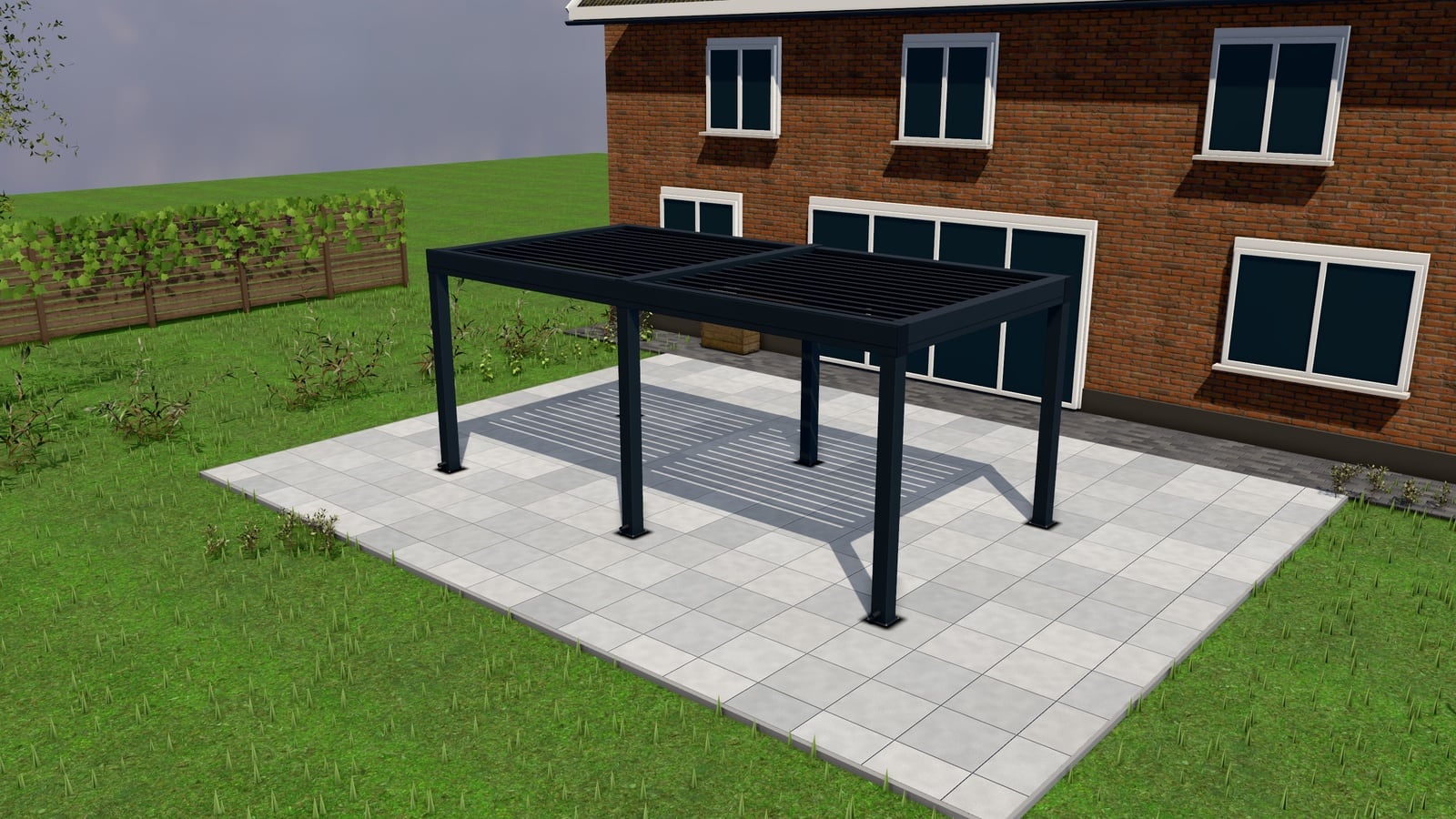
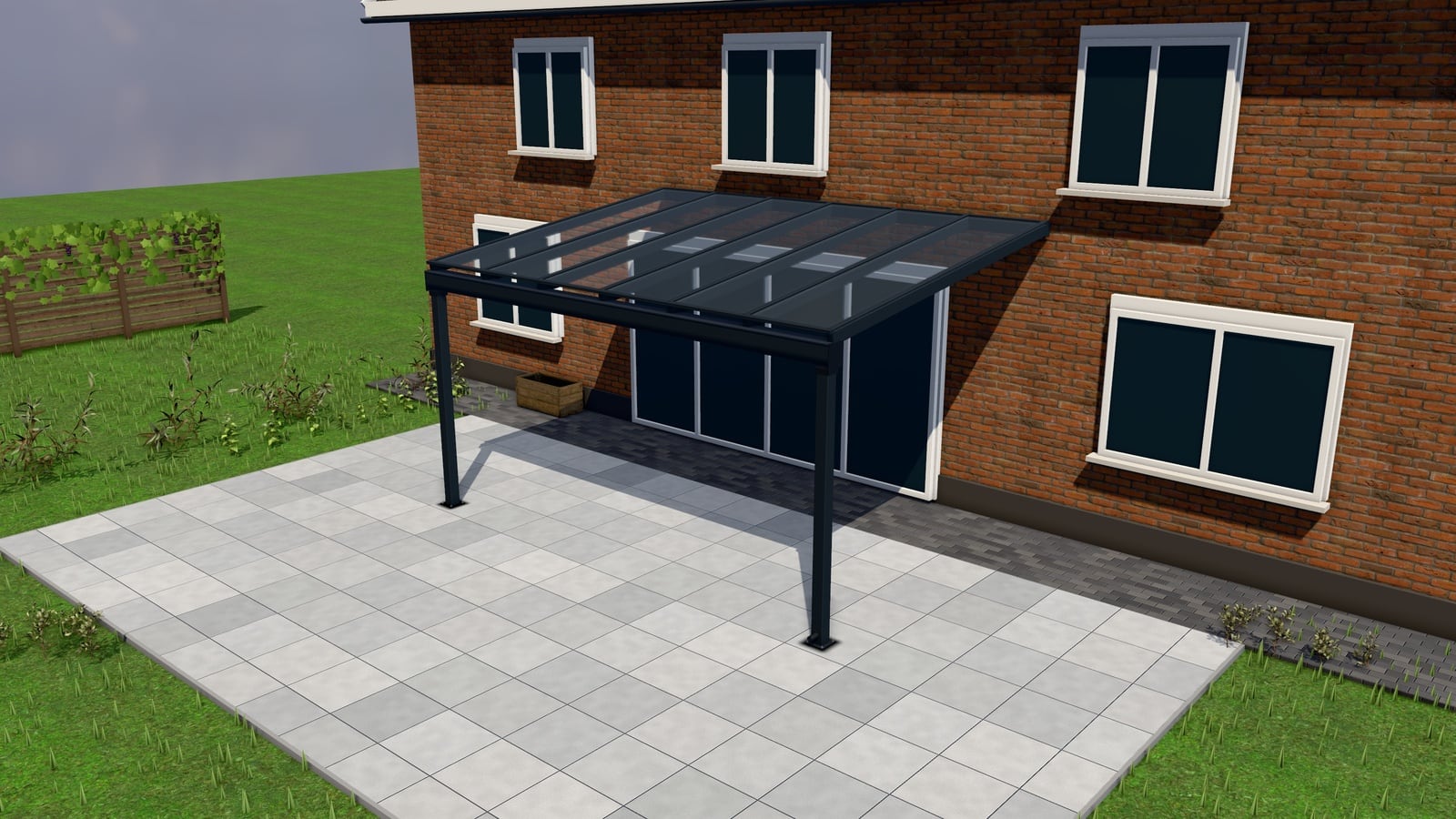
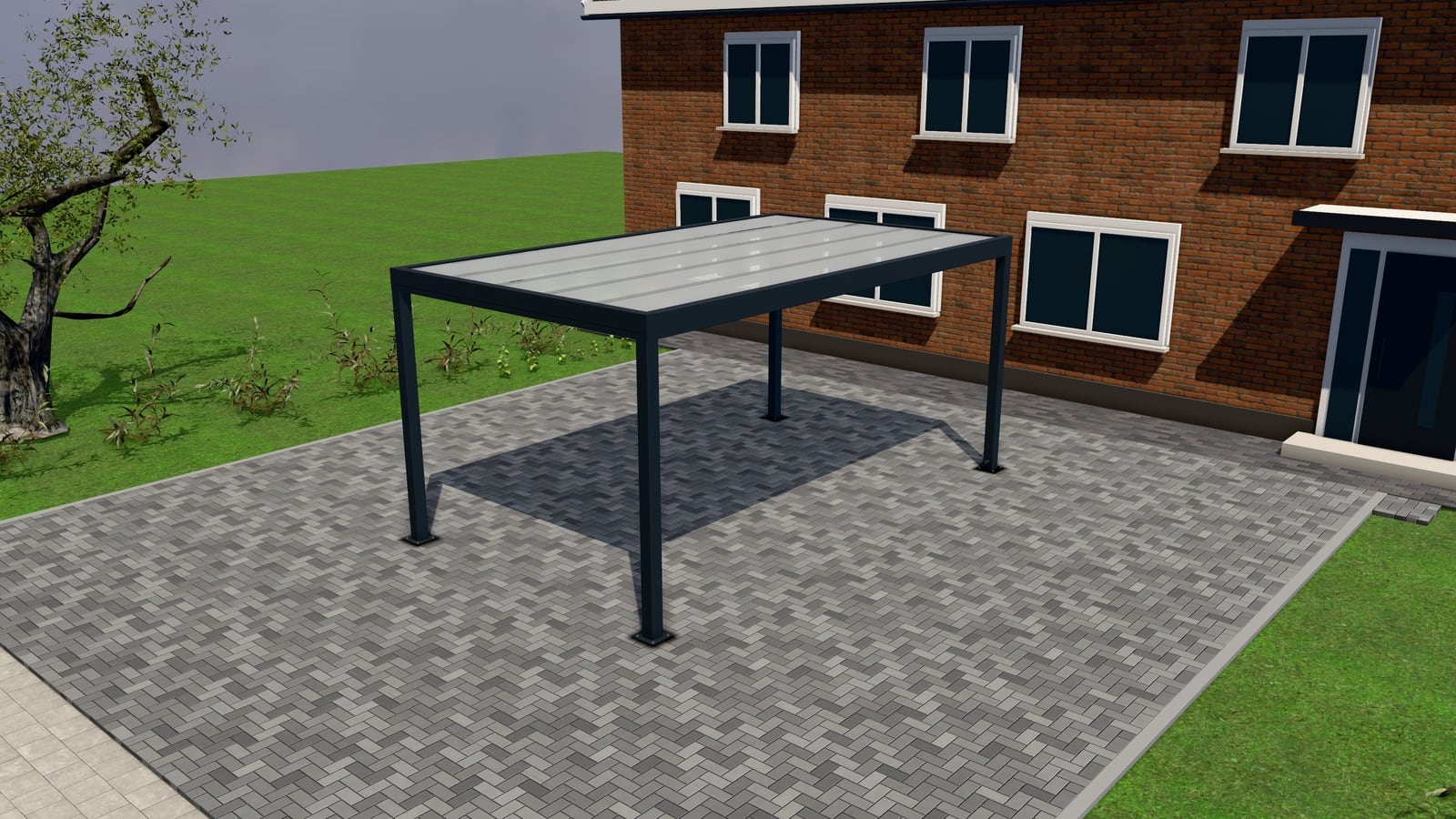
Free 3D design software and general-purpose CAD tools, the kind a homeowner or a sales rep can open without a licence fee, are built to produce a drawing. Point a camera at a shape, drag some walls or posts, pick a roof, get a rendered image or a rotatable 3D view. Some let you export a PDF or an image to send to a customer.
That’s a real and useful thing. It is not a product configurator, and the difference is not cosmetic, it’s structural. A design tool has no idea what you charge, has no form for a customer to request anything, and has no connection to whatever system you use to turn a request into a quote. It produces a picture. Everything after the picture (the price, the request, the quote, the follow-up) is still manual.
What they’re genuinely fine for
Don’t write these off entirely. Free design tools are a reasonable choice when:
- You’re sketching a design internally before a site visit, not showing it to the customer as a selling tool.
- A rep needs a rough visual aid in a face-to-face meeting where they’re quoting manually anyway.
- You sell a narrow, low-variation product where a handful of fixed images already cover most customer questions, and you’re not trying to capture online leads.
- You’re testing whether 3D visuals help your sales conversation at all, before investing in anything.
If any of those describe your business today, a free tool costs nothing and tells you something. The trouble starts when a free design tool becomes the de facto “configurator” on your website because it’s free and it looked impressive in a demo.
What a seller actually needs that a design tool doesn’t have
A price, or at least a price mode. The customer’s next question after seeing the pergola is always “how much.” A design tool has no pricing engine: there’s no RAL colour surcharge, no per-metre rule for width, no option pricing logic. You either answer by hand afterward (killing the speed advantage of 3D) or the tool shows no price at all and you’ve only solved the visualisation half of the problem.
A request form connected to a pipeline. A drawing a customer downloads or screenshots doesn’t reach you unless they email it. There’s no “request this configuration” button that lands in a CRM, no record of which exact width, roof type and colour they configured, no lead at all unless the customer takes the extra step of contacting you separately.
A quote that comes from the configuration. Even where a design tool exports a PDF, that PDF is a picture, not a priced, numbered quote the customer can open online and accept. Turning a drawing into an actual quote is a manual step every time.
Follow-up. Free tools have no concept of “this request has gone unanswered for two days” or “this quote was opened but never signed.” Those are exactly the moments that decide whether a deal closes, and nothing enforces them without a system built for the job. See follow-up sequences that close quotes.
Production handoff. A design tool’s output doesn’t become a bill of materials, a cut list or a work order. Someone still re-measures and re-enters every dimension for production, which is exactly the error-prone step a configurator is meant to remove. See from configurator to production sheet.
Data ownership and compliance. A free consumer design tool wasn’t built with your GDPR obligations in mind. Check where it stores anything a customer enters, if it stores anything at all. Most free tools simply aren’t built to hold customer contact details or site photos, which means you’re not using them for that anyway.
The honest comparison
| Free design tool | Product configurator | |
|---|---|---|
| Output | Drawing / static 3D view | Priced, buildable 3D configuration |
| Price shown | No | Live, “from”, or quote-only, your choice |
| Request form | No (manual contact) | Built in, with photos + measuring-visit booking |
| Quote | Manual, from scratch | Numbered, PDF, online page, e-signature |
| Follow-up | None | Automatic nudges on stalled requests/quotes |
| Production handoff | Manual re-entry | BOM, cut list, work order generated |
| Cost | Free | Agency build, CPQ licence or SaaS subscription, see what it costs |
When the gap actually costs you money
The gap between a drawing and a configurator shows up as lost time and lost leads, not a missing feature on a spec sheet. Every customer who plays with a free design tool and then has to email or call to get a price is a customer who might not follow through. The moment of interest has passed. A configurator with “from” pricing switched on answers that question on the spot, at the point of highest interest, and still sends the exact request through to you. That’s the gap a free tool structurally can’t close, because it was never built to connect design to sale.
If your business is past the sketching stage and into selling (taking requests, sending quotes, chasing follow-ups, handing configurations to production) a purpose-built configurator earns its subscription back in saved admin time alone, independent of any extra sales it brings in. Read the full 3D configurator buyer’s guide, or build your configurator yourself in a few minutes and see pricing.