On this page · 6 sections
- Retyping a quote into production documents is where sizes and options drift.
- The configuration already holds every dimension and option production needs.
- Generate BOM, cut list, work order and installation checklist from it directly.
- Put the customer's site photos on the installation sheet.
A production sheet is the bill of materials, cut list, work order and installation checklist your team needs to build and fit an order. Generated straight from the customer’s 3D configuration, it can’t drift from what was sold the way a retyped document can. This guide covers where the handoff usually breaks, what each document contains, why it means fewer errors, and what to check in a configurator’s production handling.
The handoff that usually breaks
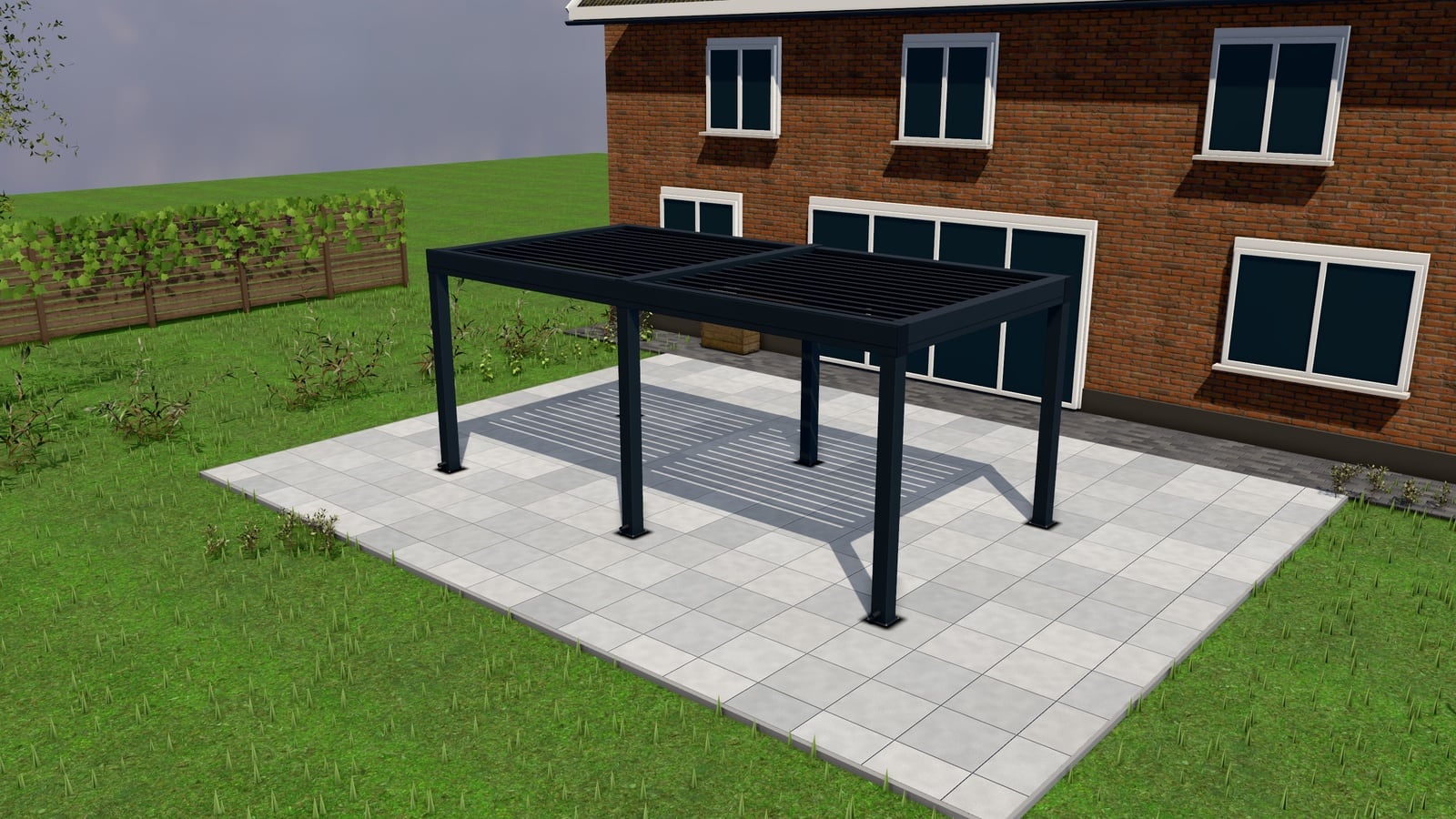
A customer configures a pergola on your website: 4,200mm wide, 3,000mm projection, louvred roof, RAL 7016, zip screens on two sides. That configuration becomes a request, then a quote, then an accepted order. Somewhere after that, in a lot of businesses, a person reads the quote and retypes those numbers into a separate production document. A cut list for the workshop, a parts list for purchasing, a work order for the install team.
Every retype is a chance for 4,200 to become 4,020, for “two sides” to become “one side,” for RAL 7016 to become whatever the person typing remembers as “that dark grey.” None of these are exotic mistakes. They’re the ordinary cost of moving data from one document to another by hand, and they’re the single most preventable source of production rework in a made-to-order outdoor-structure business.
What a configuration already contains
The customer’s configuration, as built in a parametric configurator, already holds every dimension and option needed for production: exact width and projection, roof type, colour, screen or glazing choice per side, any added lighting or heating, and the resulting price breakdown. Nothing about this data needs re-entering. It exists, structured, from the moment the request was submitted.
The production step, done right, is a transformation of that same data into the documents each part of your operation needs, not a re-entry of it.
What comes out: BOM, cut list, work order, installation checklist
Bill of materials (BOM). The parts and quantities the configuration implies (posts, beams, louvre blades, fixings, the specific screen or glazing panels) resolved against your actual product structure (the BOM tree), so purchasing and stock can be checked against what’s on hand rather than guessed.
Cut list. For anything requiring cutting to length (aluminium profiles, timber beams), the exact lengths implied by the configuration’s dimensions, ready for the workshop without anyone converting a quote’s headline size into individual component lengths by hand.
Work order. The assembled instruction for the production team: what’s being built, for which order, with which options, referencing the BOM and cut list rather than restating them from scratch.
Installation checklist. What the install team needs on site. Including anything specific to the configuration (lighting wiring, a particular screen mechanism) and anything gathered at the request stage, notably site photos the customer uploaded with their original request. A photo of the actual terrace taken before the order was placed is directly useful to an installer confirming access, obstructions or mounting points before they arrive.
Why this is fewer errors, not just faster
The speed benefit (no one manually retyping a quote into a separate production system) is real but secondary. The bigger benefit is that a configuration-to-production pipeline removes an entire class of error: the “same number, typed twice, didn’t match” class. It doesn’t eliminate production mistakes (a workshop can still cut wrong, an installer can still misjudge a site condition), but it eliminates the specific, extremely common failure mode where the thing that was sold and the thing that gets built are described by two different, manually-maintained documents that quietly diverge.
This matters more as order volume grows. A business doing a handful of custom pergolas a month can often catch a transcription error through familiarity with each job. A business doing dozens a month, especially across several installation teams, loses that safety net, which is exactly when a structured handoff earns its keep.
Site photos on the sheet
When a customer’s original quote request included site photos (optional in most configurators, capped at a handful of images, checked and re-encoded server-side so metadata like EXIF/GPS data doesn’t leak unintentionally), those photos belong on the production sheet, not buried in an old email thread. An installer who can see the terrace, the existing fence line, or the wall the structure will attach to before they load the van has fewer surprises on site, and fewer reasons to need a second visit.
What to check in a configurator’s production handling
- BOM, cut list and work order are generated automatically from the configuration, not a manual export you still have to interpret.
- Assemblies (a structure made of sub-components, each with their own BOM) are handled recursively, so a change in one option cascades through the parts list.
- Stock levels are checked against the BOM, so a shortage is caught before a promised install date, not after.
- Site photos and visit notes from the original request carry through to the documents your production and install teams actually use.
Next Configurator generates production sheets (BOM, cut list, work order, installation checklist) directly from each accepted quote’s configuration, including site photos from the original request where the customer’s quote form included them. See production sheets and the 3D configurator buyer’s guide, or book a 30-minute walkthrough to see a sheet built from one of your own products.