On this page · 6 sections
- AR places the configured model at real scale on the customer's terrace via their phone.
- It works through AR Quick Look on iPhone and Scene Viewer on Android, no app needed.
- Photo-in-situ is the fallback for phones without AR.
- AR settles doubts about size; it doesn't replace a measuring visit or a quote.
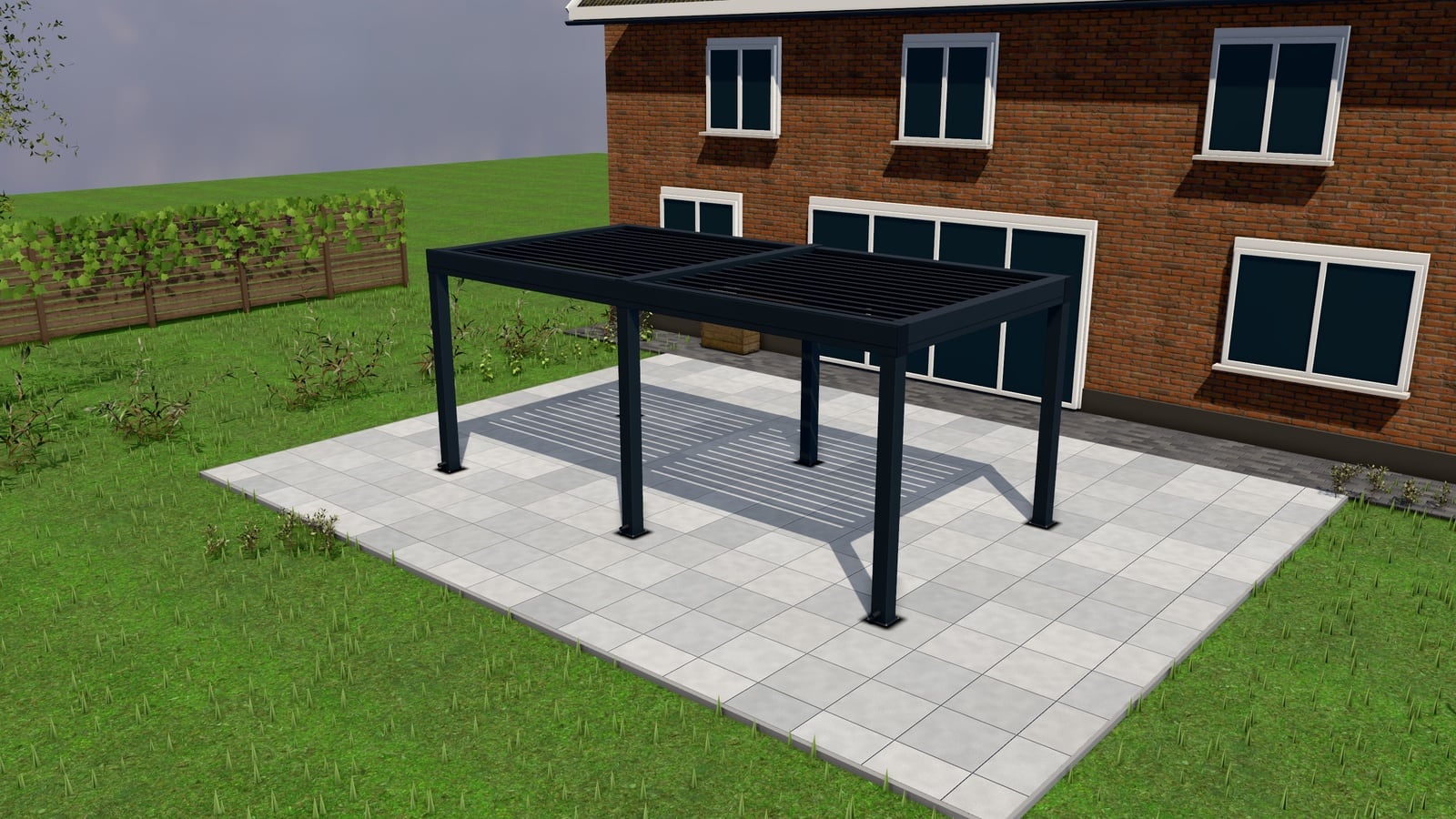
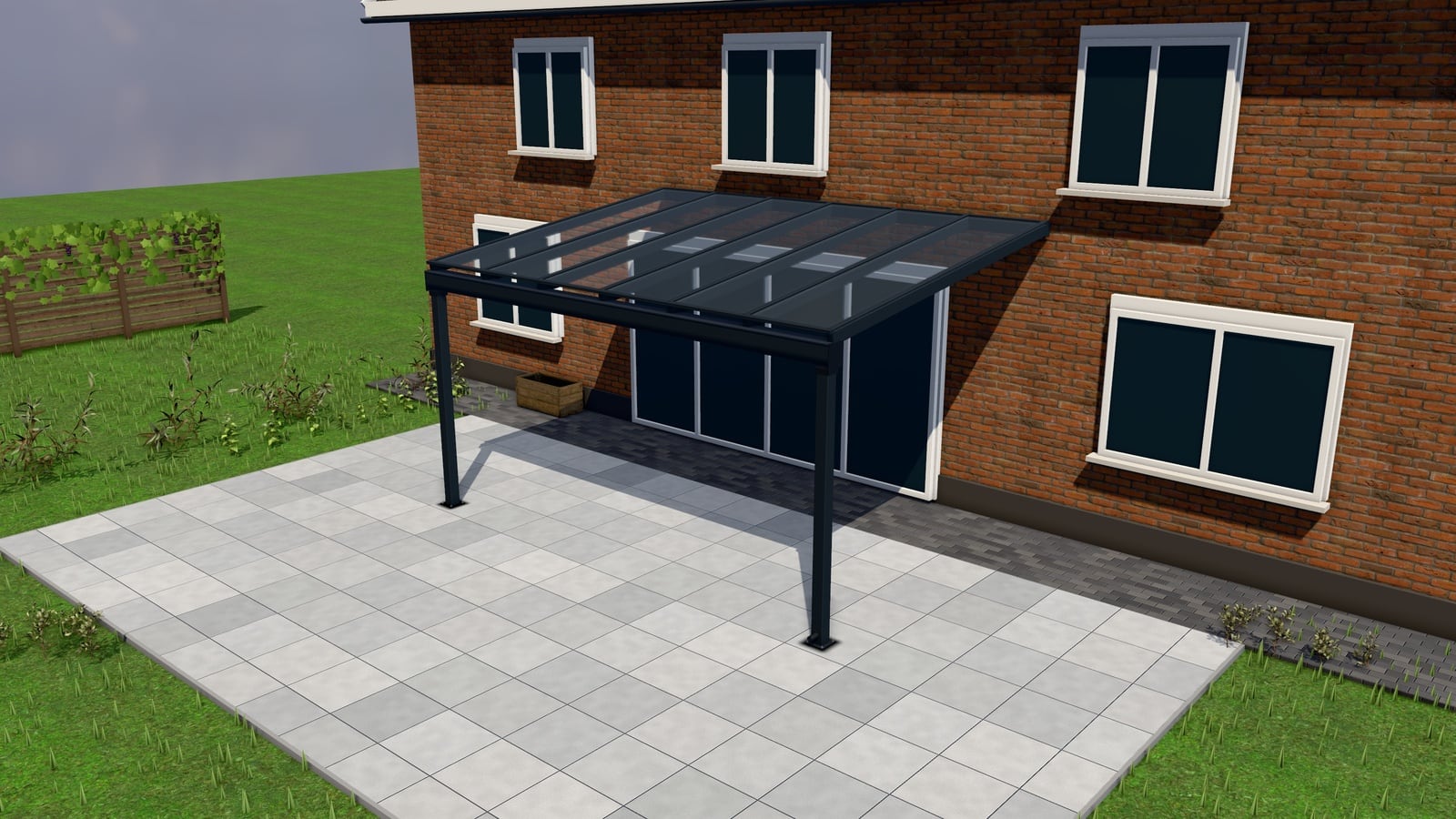
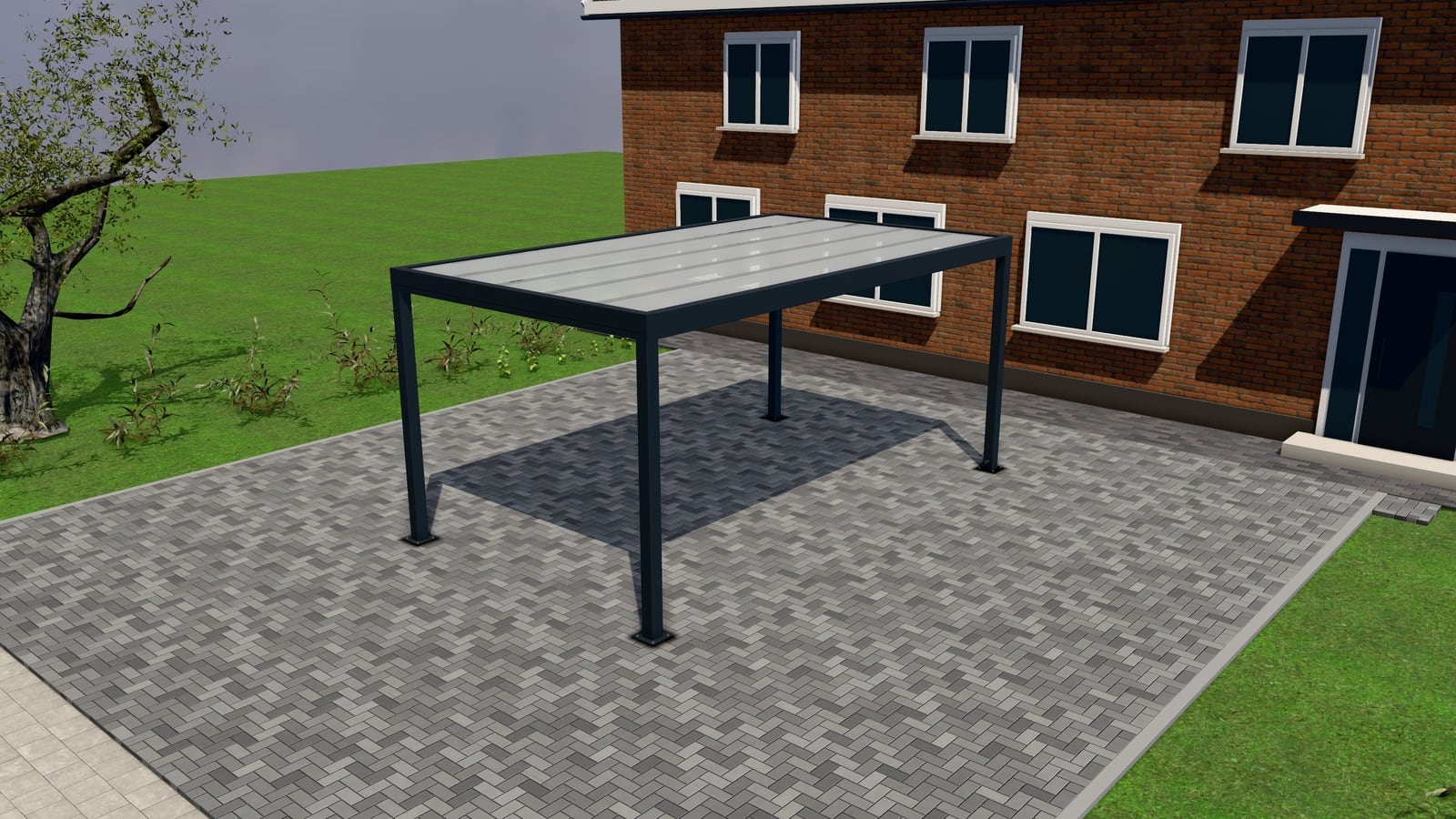
AR in a configurator lets a customer place a life-size model of their own pergola, veranda or carport on the terrace through the phone camera, using a GLB or USDZ file generated from their configuration. It helps them judge scale and fit before they request a quote. This guide covers how it works, what it’s good for, how photo-in-situ compares, when it helps close a deal, its real limits and what to check in a configurator’s AR feature.
What AR actually is here
Every modern iPhone and most Android phones can take a standard 3D model file and place it, at real-world scale, into the camera view of the room or outdoor space in front of them. No app install required on iOS (Apple’s AR Quick Look opens directly from a web link) and a comparable flow on Android (Google’s Scene Viewer). The configurator exports the customer’s exact configuration (their width, their roof type, their colour) as a GLB file (used by Scene Viewer) or a USDZ file (used by AR Quick Look), and a button in the configurator opens it in AR on a supported device.
The customer walks onto their own terrace, points their phone at it, and sees their configured pergola sitting there at the size they chose, from whatever angle they want to look at it.
What it’s good for
Scale. The single biggest value of AR is confirming scale in context most people struggle to judge from a rendering alone: does a 4-metre pergola actually look that big against my existing fence, my door, my neighbour’s wall. A 3D view on a screen is a representation; AR puts the representation in the actual physical space.
Closing hesitation on size. Customers who are unsure whether they’ve chosen the right width or projection can check it against their actual terrace before requesting a quote, which reduces the back-and-forth of “can we make it half a metre wider” after a quote has already gone out.
A moment of delight that keeps a customer engaged. Simply as an experience, seeing your own garden with a 3D structure placed in it is a stronger engagement signal than scrolling past a product photo. Customers who get this far into a configurator are, on balance, further along than ones who bounce at the catalogue page.
How photo-in-situ compares
Photo-in-situ is a simpler, more universal alternative: the customer (or the merchant, from a site visit) takes or uploads a photo of the actual terrace, and the configured product is composited onto that photo as a 2D overlay. It doesn’t require a supported AR device or even a recent phone. It works from any photo, viewed on any screen.
The trade-off is accuracy of scale and perspective: photo-in-situ depends on a reasonable estimate of distance and angle to look right, whereas true AR uses the phone’s own depth and motion sensors to place the model at genuinely correct real-world scale as the customer moves around it. Where AR Quick Look or Scene Viewer isn’t available (unsupported device, or a customer who’d rather not fiddle with camera permissions), photo-in-situ is the practical fallback that still gives a visual sense of fit.
Most configurator platforms offer both for this reason. AR where the device supports it, photo-in-situ as the always-available option.
When it helps close a deal, and when it’s cosmetic
AR genuinely helps at the specific moment a customer is unsure about size or placement and is deciding whether to request a quote at all. It can tip a borderline visitor into submitting a request, because the ambiguity that was stopping them (“will this actually fit / look right”) gets resolved on the spot. It’s also a reasonable differentiator in a sales conversation: a rep showing AR on a site visit, on their own phone, in front of the customer’s actual terrace, is a stronger pitch than a laptop screen.
It is not, by itself, the thing that closes a deal. The decision to buy a pergola, veranda or carport still runs through price, trust in the installer, delivery time and the specifics of the quote. AR shortens the path to a confident request; it doesn’t replace the quote, the follow-up, or the measuring visit that confirms the real dimensions.
The real limits
It’s an estimate, not a survey. AR placement is visually convincing but isn’t a substitute for an actual site measurement. Ground slope, obstructions, exact boundary distances and local permit rules aren’t captured by pointing a phone at a terrace. A measuring visit booked through the quote request form remains the step that locks in accurate production dimensions; see site photos and measuring visits in the request form.
Device and environment dependency. AR Quick Look needs a reasonably recent iPhone; Scene Viewer needs a reasonably recent Android device with ARCore support. Bright direct sunlight (common on exactly the terraces this is used for) can make a phone’s camera-based tracking less stable. Not every customer will have a smooth experience, which is why it should be offered as an enhancement, not the only way to visualise a product.
It doesn’t replace the request form. AR is a visualisation step inside the configurator flow, not a substitute for actually requesting a quote. Make sure the AR view keeps the path back to the configurator and the request button visible rather than becoming a dead end.
What to look for in a configurator’s AR feature
- The AR file is generated from the customer’s actual configuration (size, colour, options), not a generic stock model. A generic model in AR undermines the entire point.
- Both formats are covered: GLB for Android/Scene Viewer, USDZ for iOS/Quick Look, since customers split across both platforms.
- Photo-in-situ is there as the fallback for phones without AR.
- It’s included rather than a paid add-on, so it applies across your whole catalogue, not one gated product.
Next Configurator generates GLB/USDZ exports directly from the parametric configuration, alongside photo-in-situ as the fallback. See AR and photo-in-situ and the full 3D configurator buyer’s guide. AR is part of the one plan, not an add-on; see pricing.